
Gwendal
Developer
Moderator
Customer
Verified license
18 products
BoardGameHub
Classified
Drafts
Emporium
Emporium Client
GameHub
GroupFlair
Immersive Messenger
Journey
Level
Plans
Teams
Watch Party
XenCard
XenPing
XenSpotlight
XenStaff
XenStreak
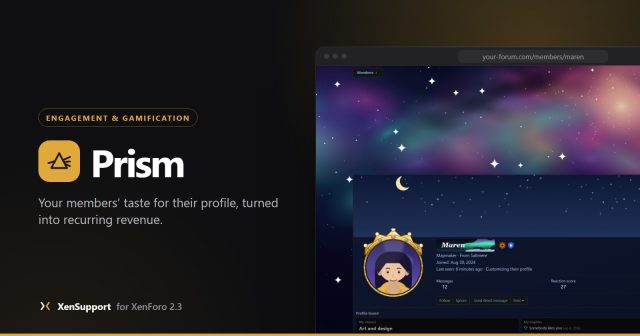
Prism sells what your members already care about: how they look on your forum. This is where to ask about it, report a problem or suggest what comes next.
Start here
- Install it, then open Admin CP, Prism, Getting started. The page reads the real state of your forum and shows what is left.
- Name your plans and set your prices. Prism creates four native account upgrades without a price, monthly and yearly, for your two plans.
- Attach your payment profile and tick Can be purchased on each upgrade. Until then the perks page says Coming soon.
- Review the catalogue. Choose the plan each item needs, turn items off, and add your own artwork.
- Put one small real purchase through yourself before you announce it to your members.
What to post here
- Found a bug? Start a thread with the Bug report prefix, with your XenForo version and what you did.
- Have an idea? Use the Suggestion prefix.
- Stuck? Ask with the Question prefix.