

Gwendal
Developer
Moderator
Customer
Verified license
20 products
BoardGameHub
Classified
Drafts
Emporium
Emporium Client
GameHub
GroupFlair
Immersive Messenger
Journey
Level
Lucent
Plans
Prestige
Teams
Watch Party
XenCard
XenPing
XenSpotlight
XenStaff
XenStreak
Immersive Messenger 2.13.0 is on the store, and it already runs on this community and on the demo.
Immersive Messenger on the store
Folders
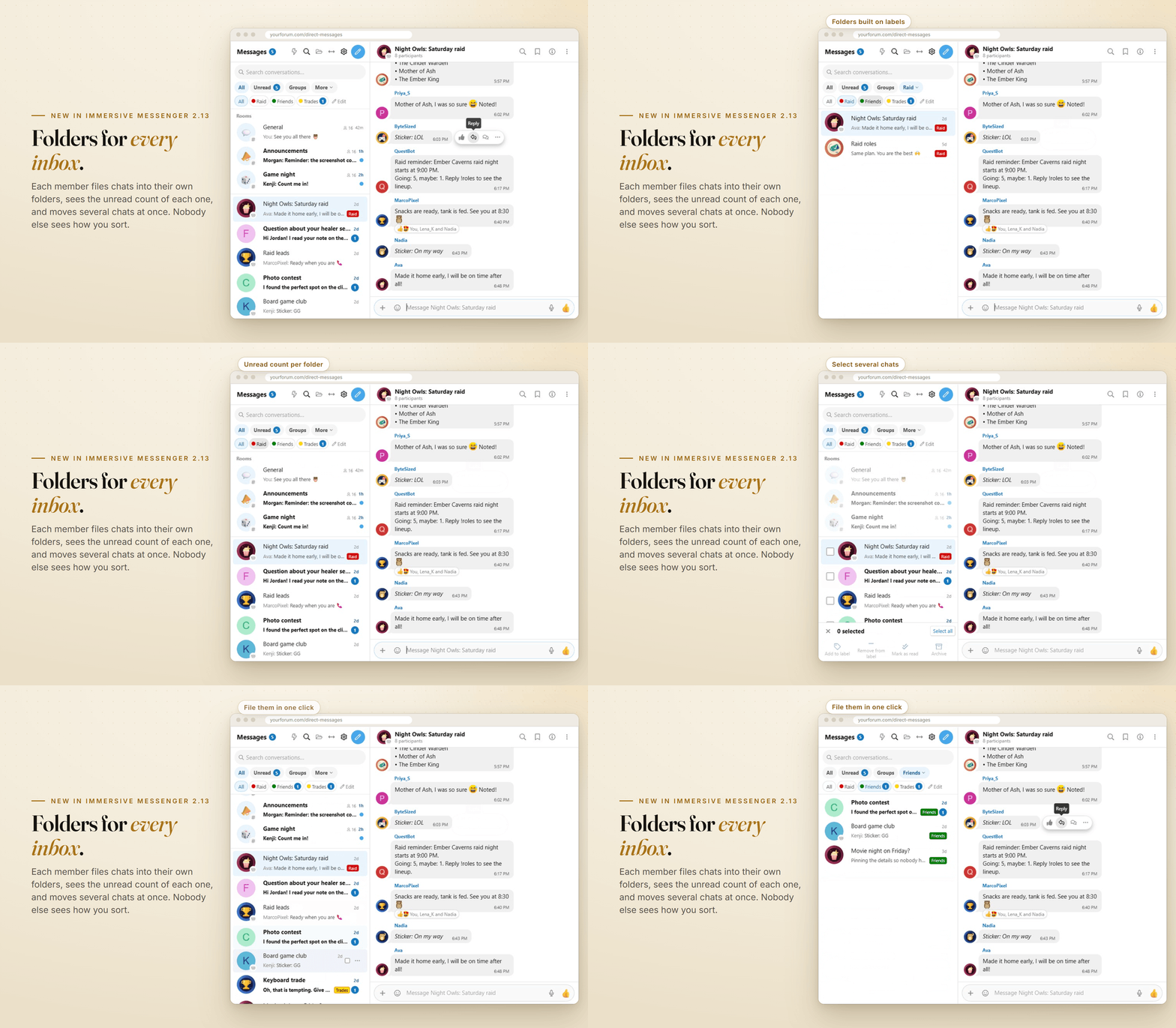
club-home asked for personal conversation folders in the suggestions forum, built on the labels members already use. Here they are.- A folder bar everywhere. Under the conversation tabs, on the full page, in the dock and on phones: All, then each of your labels with its colour.
- Unread counts that stay live. Every folder shows how many chats wait in it, and the number moves as messages arrive and get read.
- Yours alone. Folders are your own labels. Nobody else in the conversation sees how you sort, and deleting a folder never deletes a conversation.
- Your order. Drag folders, or use Move up and Move down. The last folder you picked is remembered on each device.
Several chats at once
Open Select from the More menu, from the menu of a row (a long press on phones) or from the new menu of the dock list. Tick conversations, then add them to a folder, take them out of one, mark them as read or archive them in one go.Staff wear their banners
Staff now carry the banners they wear on the forum, Administrator, Moderator or your own, next to their name in chats, in the members lists and in the header of a one-to-one chat. They follow your user banner settings, and the new option "Staff badge" in Admin CP > Messenger brings back the generic badge if you prefer it.Effects with every emoji style
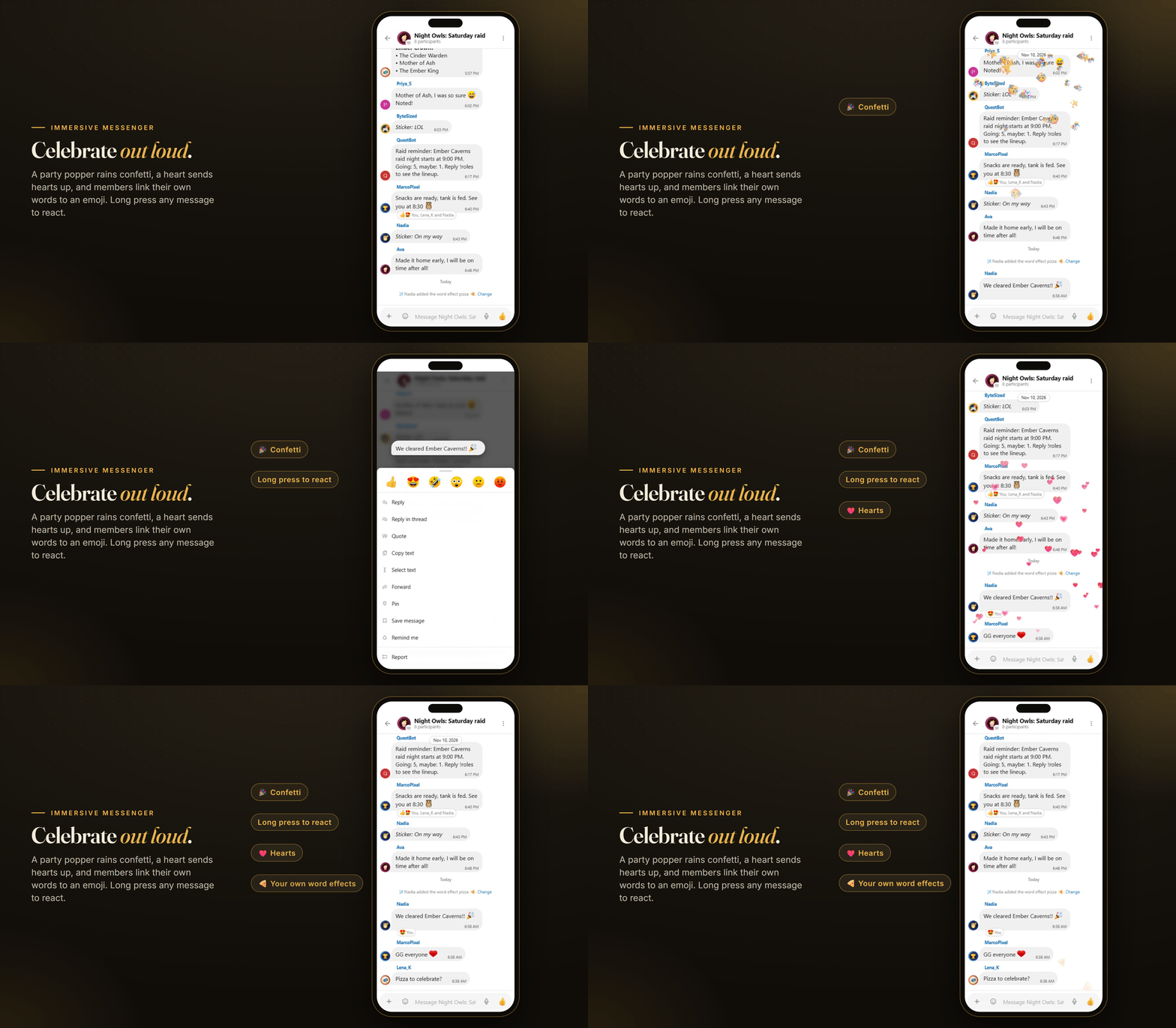
On forums that show emoji as images (JoyPixels or Twemoji), confetti, hearts and word effects never fired, because the emoji only lived in the image's alternative text. They fire everywhere now. We found it while filming the new store animations.Messenger in motion
The store page now shows Messenger moving instead of standing still: a message travelling live from a phone to a desktop, a community room waking up, chat heads and mini windows over a forum page, and the effects above. Every clip was filmed in a real browser with real accounts talking to each other.Upgrade
Install the archive over any 2.x version from the Admin CP. Your conversations, labels and settings are kept, and your existing labels show up as folders straight away. Try them on the demo, and find the full list of changes in the version history on the store.Immersive Messenger on the store