
Gwendal
Developer
Moderator
Customer
Verified license
21 products
BoardGameHub
Classified
Drafts
Emporium
Emporium Client
Flick
GameHub
GroupFlair
Immersive Messenger
Journey
Level
Lucent
Plans
Prestige
Teams
Watch Party
XenCard
XenPing
XenSpotlight
XenStaff
XenStreak
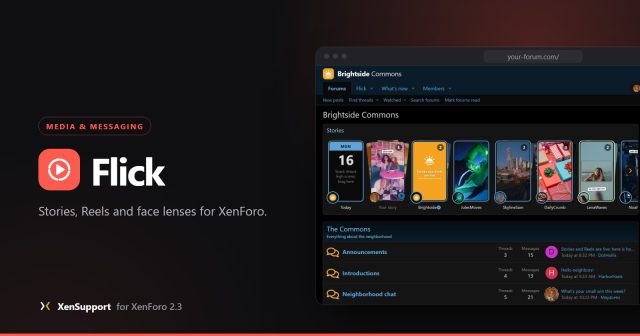
Flick adds Stories, Reels, face lenses and face games to your forum, with a creation studio that runs in the browser. This is where to ask about it, report a problem or suggest what comes next.
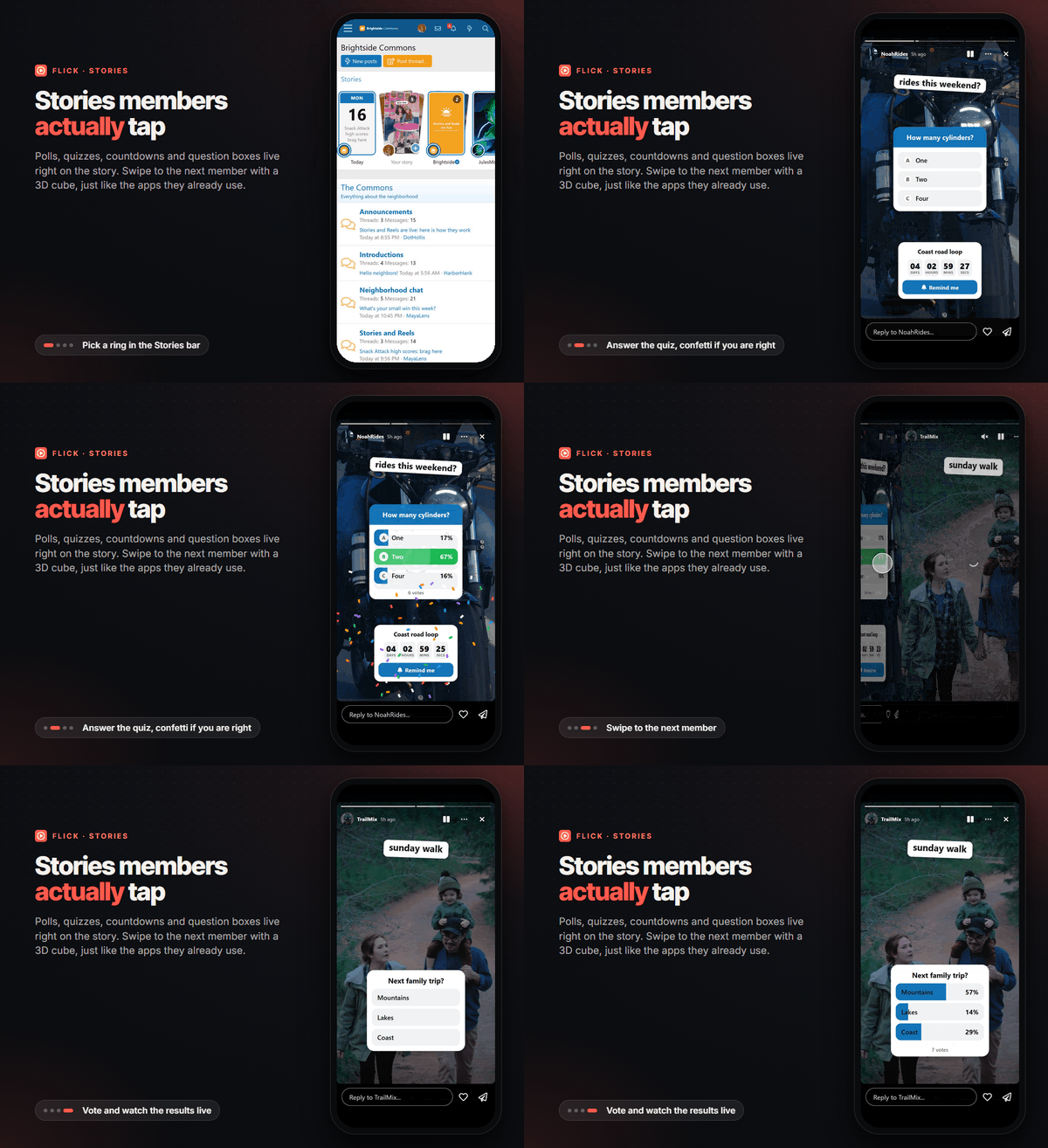
Stories on a phone: a live quiz, a cube swipe to the next member and a poll that updates as people vote.
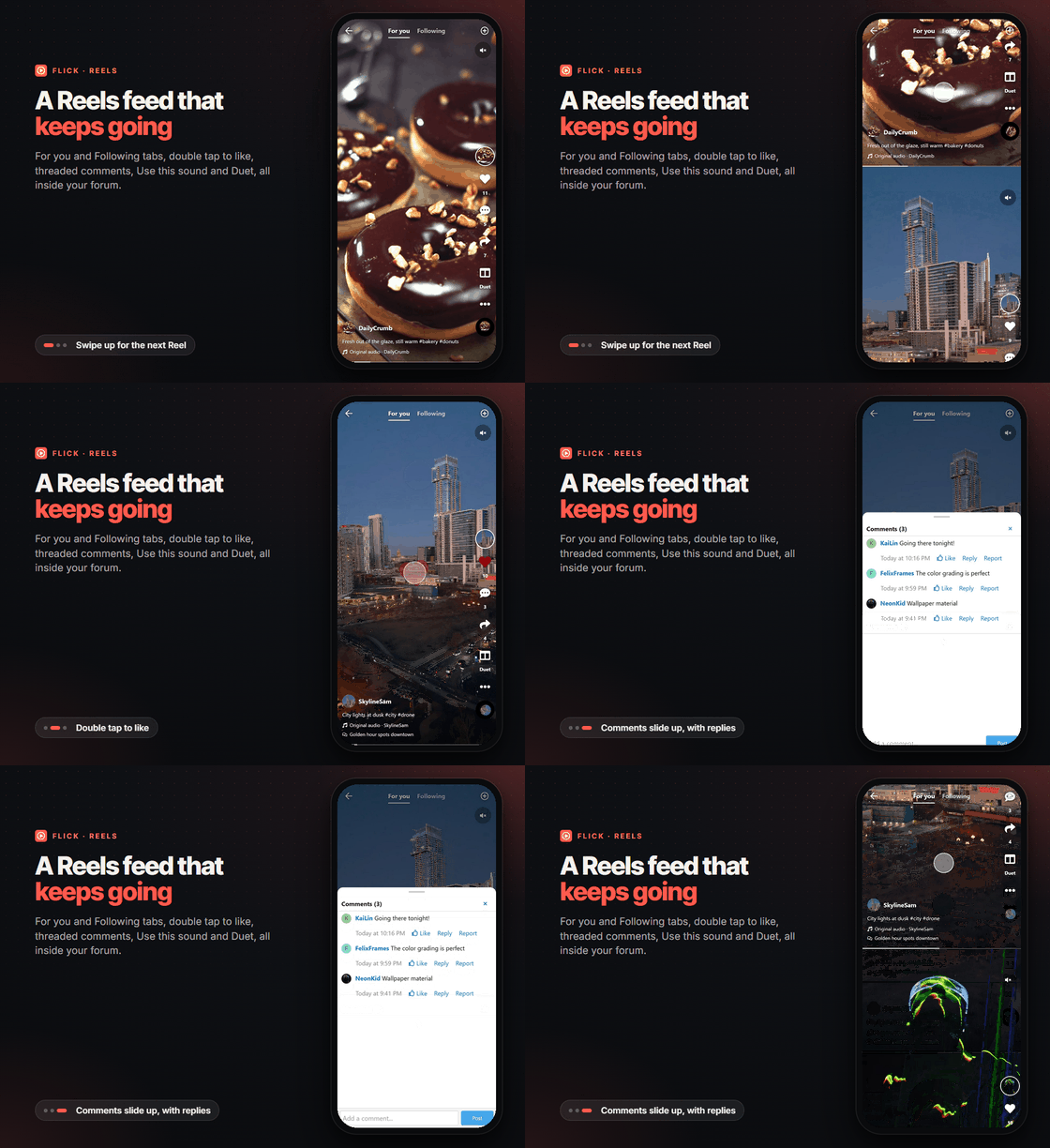
Reels: swipe the feed, double tap to like and slide up the comments.
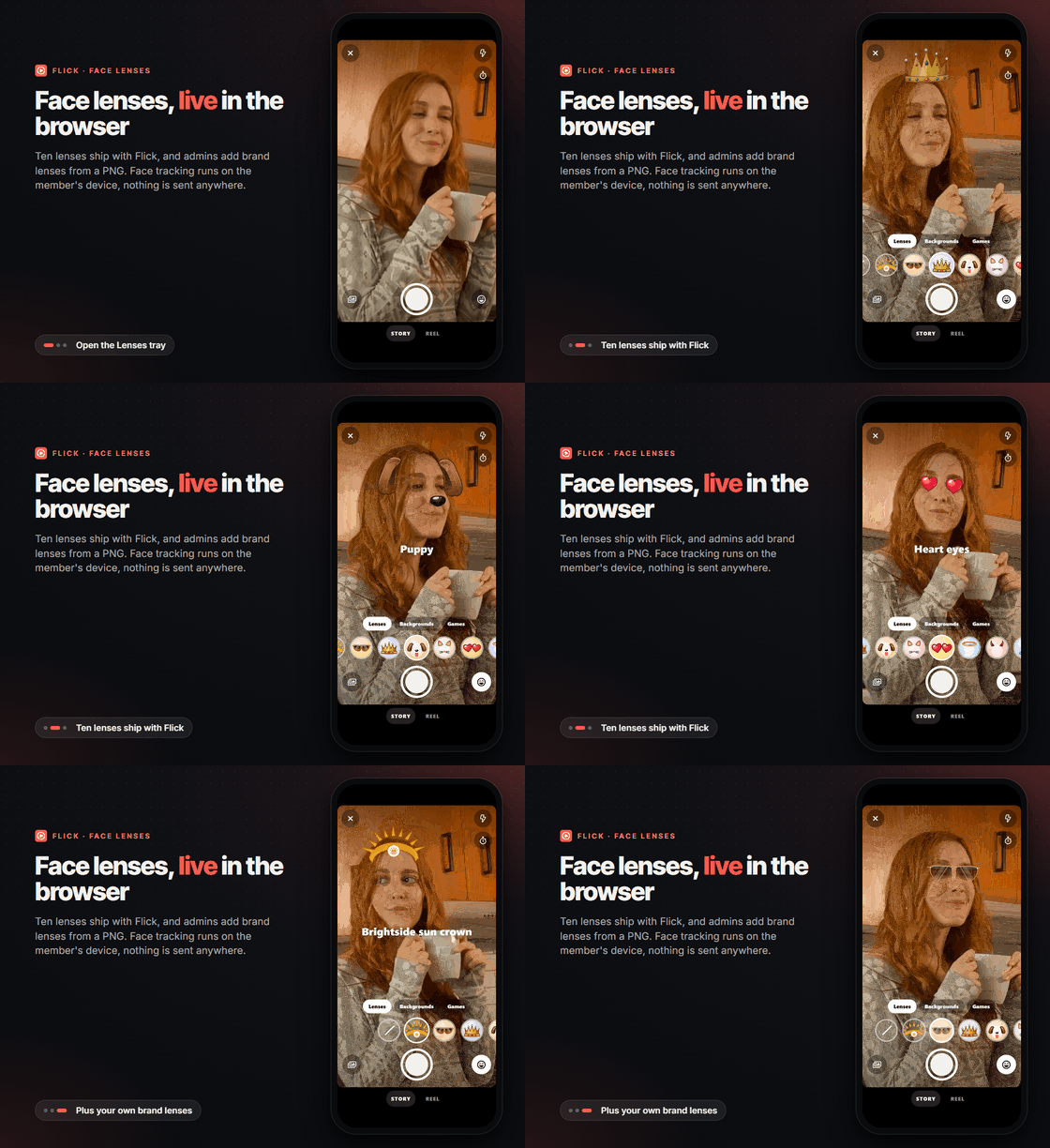
Face lenses run live on the member's device, your own brand lens included.
Set up in five minutes
- Check HTTPS. Browsers only open the camera on secure sites, so the studio, lenses and games need your forum on HTTPS.
- Install Flick. It needs no other add-on, no ffmpeg and no external service. Videos are encoded in the member's browser and uploaded in small chunks.
- Open Admin CP, Flick, Setup, Options to choose where the Stories bar shows, its style (card stacks or classic rings), the story lifetime, video limits and the Today recap.
- Open the user group permissions and decide who can view, post stories, post Reels, use lenses, import from the device and post official stories in the name of the forum, with daily quotas per group.
- Open Admin CP, Flick, Creative, Lenses to switch lenses on or off and add brand lenses from a PNG with a live camera preview.
- Place the widgets you want from Appearance, Widgets: stories bar, trending Reels, latest Reels, top creators and game leaderboard.
Recording does not start: what to check
- The forum must be on HTTPS, and the member must allow the camera and microphone for your site in the browser.
- Recording, lenses and games need video encoding in the browser (WebCodecs). On a browser without it, members can still watch everything and upload an MP4 they already have.
- Lenses load the face tracking engine the first time the Lenses tab opens. Admin CP, Flick, Setup, Options lets you serve it from your forum or from a CDN.
- The member's groups need the permissions Post stories or Post Reels, and Use face lenses in the studio.
Good to know
Requires XenForo 2.3 and PHP 8.0 or later. Stories expire after the lifetime you set and move to the author's private archive; Reels stay. Media is stored through XenForo's file system, so external storage configured in config.php works too. Stories, Reels and comments use the native approval queue, reports and moderator log.What to post here
- Found a bug? Start a thread with the Flick label, with your XenForo version, your browser and what you did.
- Have an idea or stuck somewhere? Same label, and tell us what you are trying to do.
Flick in motion
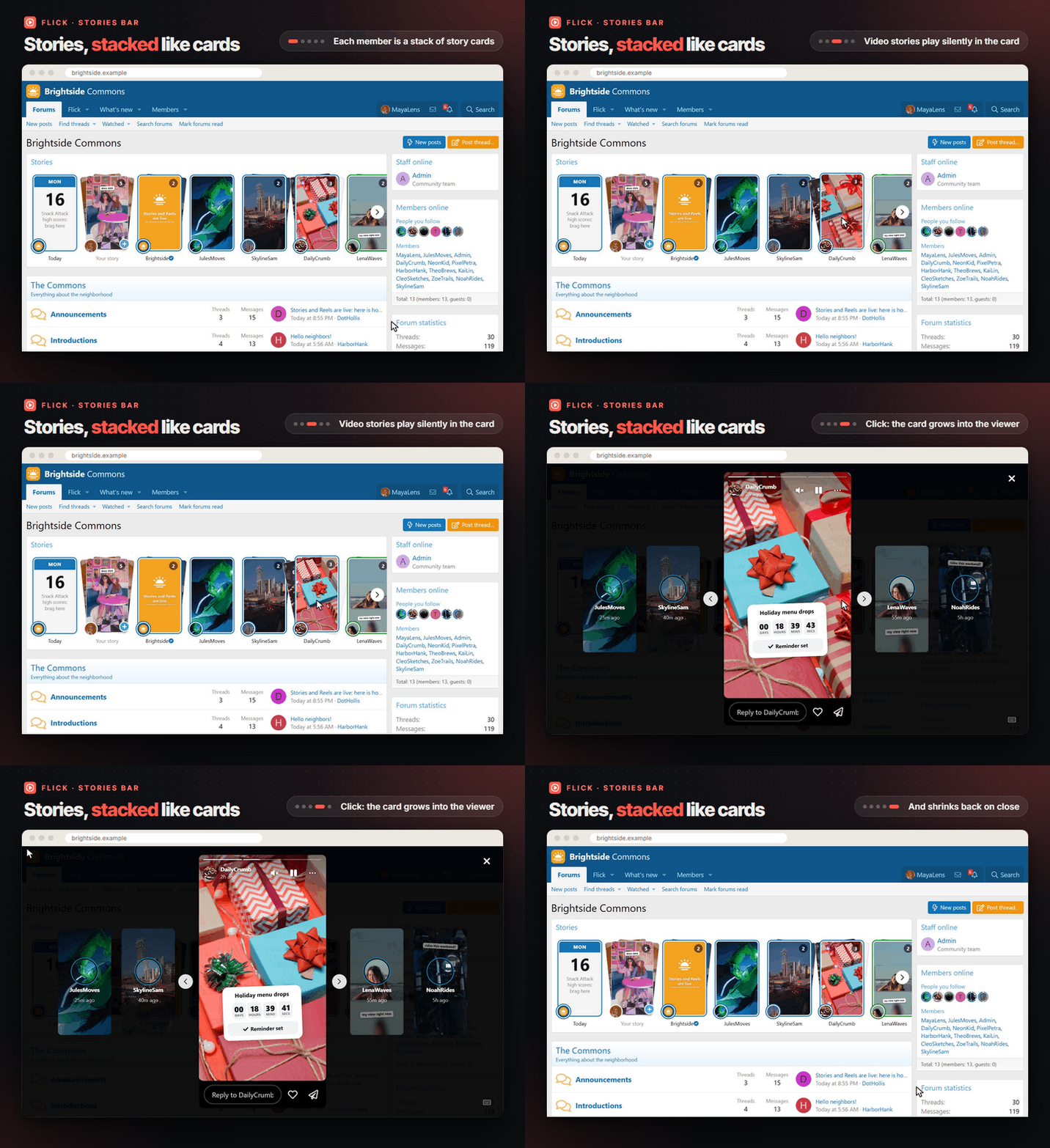
The Stories bar: hover a stack and it fans out and plays, click and the card grows into the viewer.
Stories on a phone: a live quiz, a cube swipe to the next member and a poll that updates as people vote.
Reels: swipe the feed, double tap to like and slide up the comments.
Face lenses run live on the member's device, your own brand lens included.